

The Dialog Insight application allows the use of certain Google Fonts when creating messages, which are unfortunately not supported by all mailboxes. This is because some email applications, such as Outlook and Gmail, do not support the Cascading Style Sheets (CSS) required for Google Fonts to work properly. However, the mailbox is not the only factor involved, because the support of Google Fonts depends on both the email application used and the integration of the font in the message.
In the Dialog Insight application, Google Fonts have been integrated with the HTML tag <link>, as well as with the CSS rule @import. The combination of these two elements allows the visibility of Google Fonts on a larger number of mailboxes. In addition, since the Outlook desktop application does not handle fonts in the same way as email applications available on the Web, a CSS style has been added to modify the font to Arial.
Adding Google Fonts to an Email
In the edition of an email Text block, you can select Google Fonts in the list under the Styles tab: ** Note that it is not possible to add an additional font on Dialog Insight **
Google Fonts Compatibility
Support of Google Fonts varies depending on the mailbox or the device used by your recipients. When a font is not supported, it will be replaced by Arial, Helvetica, sans-serif as a fallback. To ensure your email displays correctly across different email environments, we recommend previewing its rendering before sending it using our Inbox Preview tool.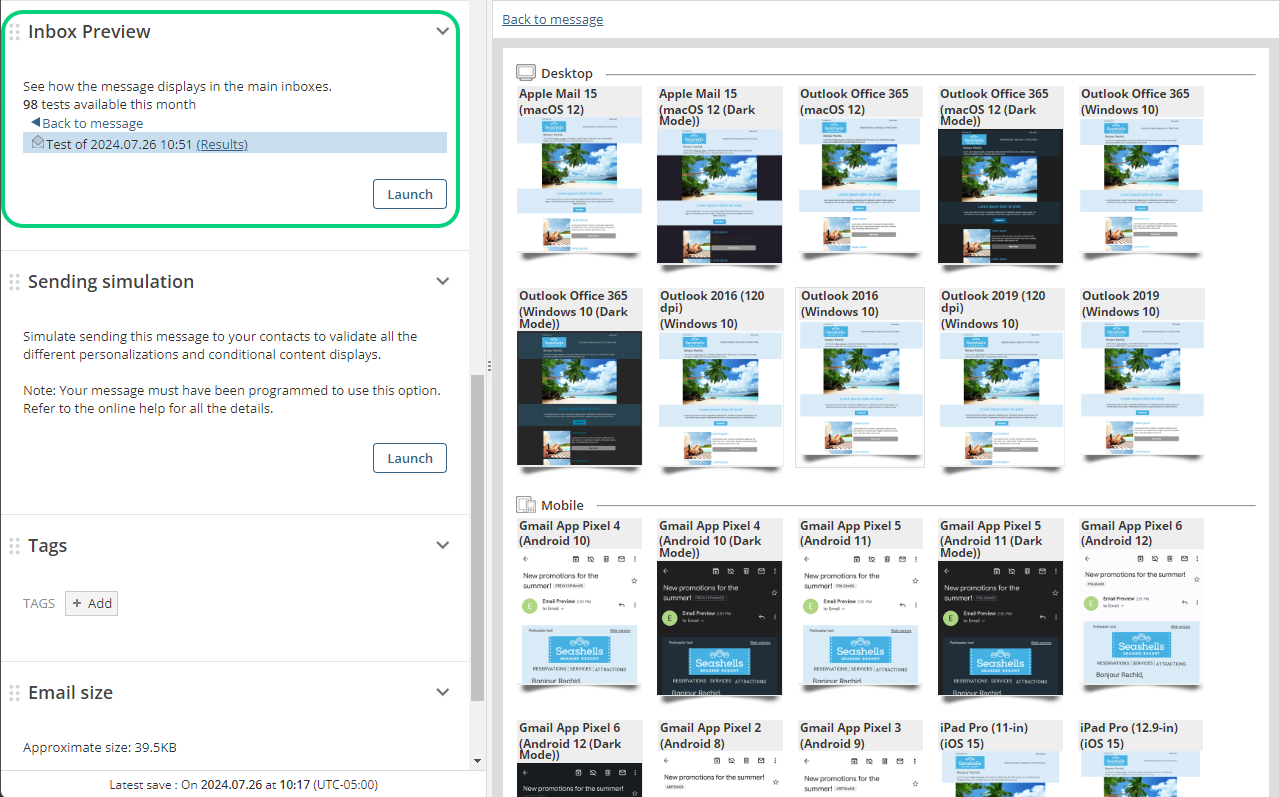
To learn more, see the Inbox Preview section in the Guide on Email Validation and Tests.
Note: Gmail does not support Google Fonts in emails, whether viewed on the web or in a mobile app. A fallback font will therefore be used.
See this page for more details: https://mailtester.com/blog/how-gmail-renders-web-fonts-and-fallbacks/
Why use Google Fonts if some applications do not support them? Google Fonts are easy to use and free. In addition, their availability and URLs are stable, making them easy to use in emails. They allow you to achieve the desired appearance in email clients that support them. In email clients that do not support Google Fonts, a fallback font is used. |